
Wallets provides a centralized overview of your Main and Payout wallets, enabling operations and finance teams to track balances and monitor all crypto funds held within the system. The page also supports manual withdrawals and includes daily reconciliation reports for accurate financial oversight.
Here you can find:
What does the Wallets page show?How to view individual transactions?How to download the Daily Reconciliation Report?
What does the Wallets page show?
- How is the Daily Reconciliation Report downloaded?
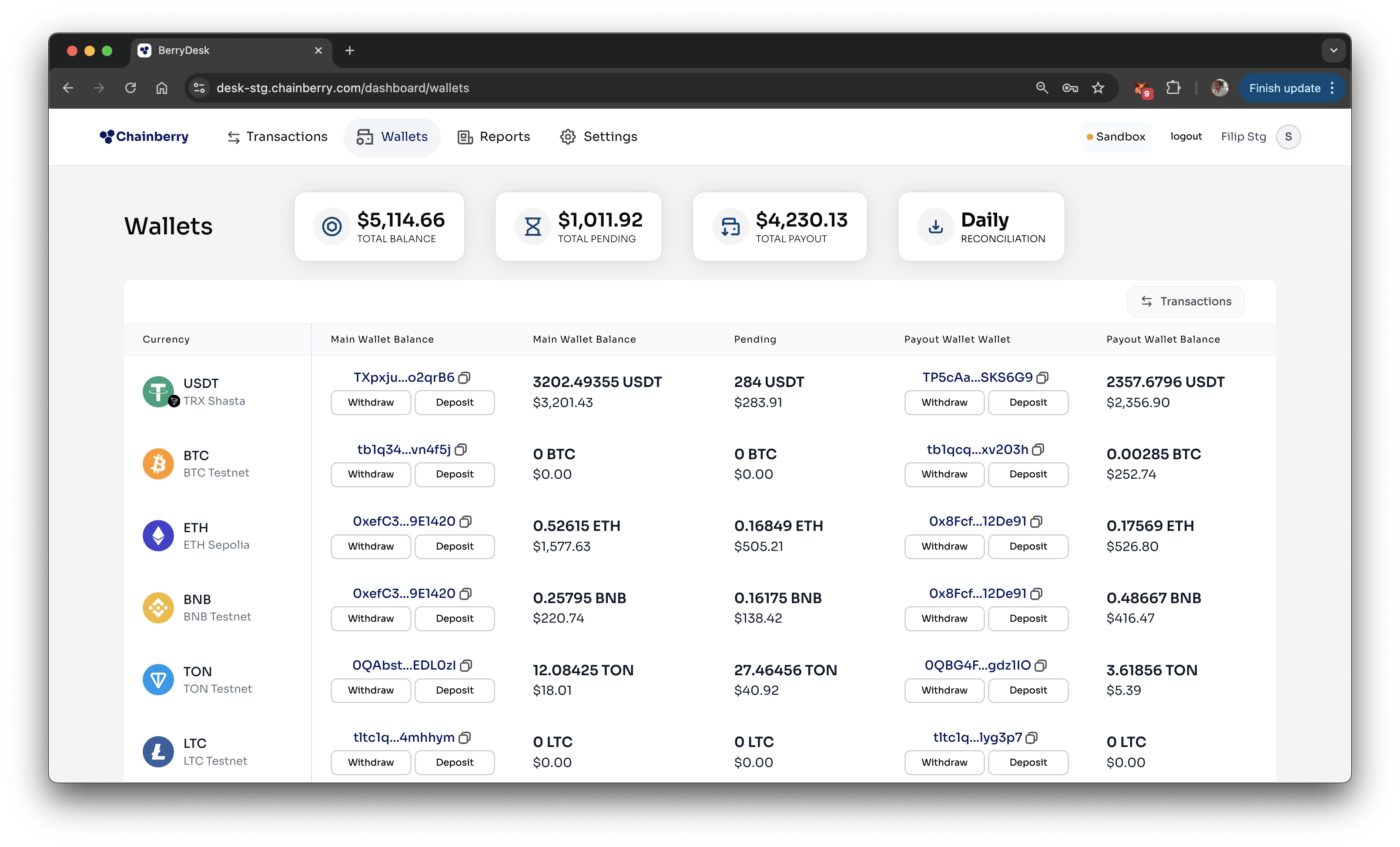
- Total Balance – The total amount of funds currently held in the Main wallets
- Total Pending – Funds waiting in Customer wallets that haven’t yet been moved to the Main wallets
- Total Payout – The amount available in the Payout wallets, used to process withdrawals
Table columns:
Currency | The type of cryptocurrency, along with its native blockchain (e.g. USDT on Tron) |
Main Wallet | The address where incoming funds are stored |
Main Wallet Balance | Current balance in the main wallet, shown in crypto and USD |
Pending | Amount still waiting to be moved from customer wallets or exchanges to the main wallet |
Payout Wallet | The address used to send out withdrawals |
Payout Wallet Balance | Current balance in the payout wallet, shown in crypto and USD |
How to view individual transactions?
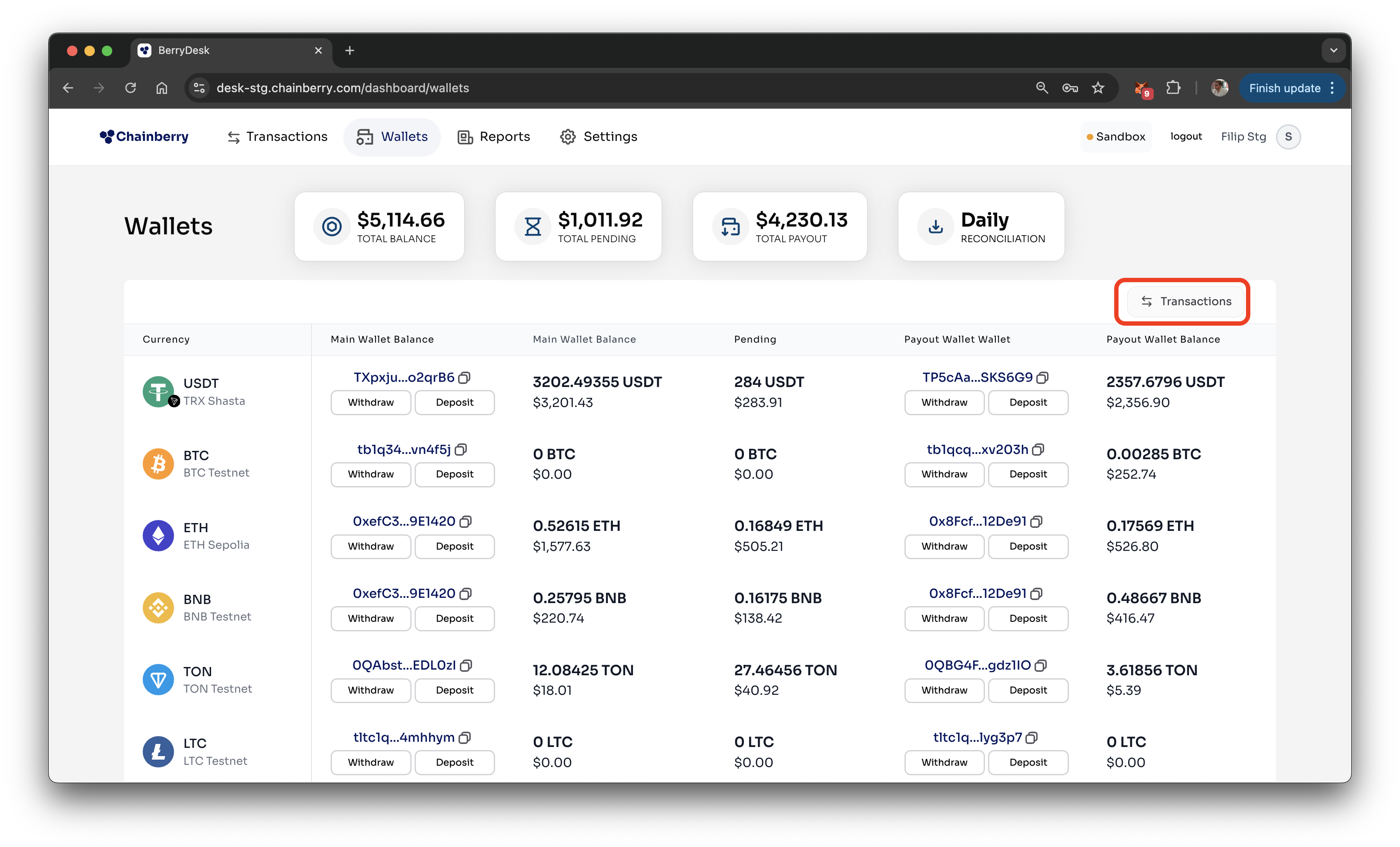
- Press the Transactions button
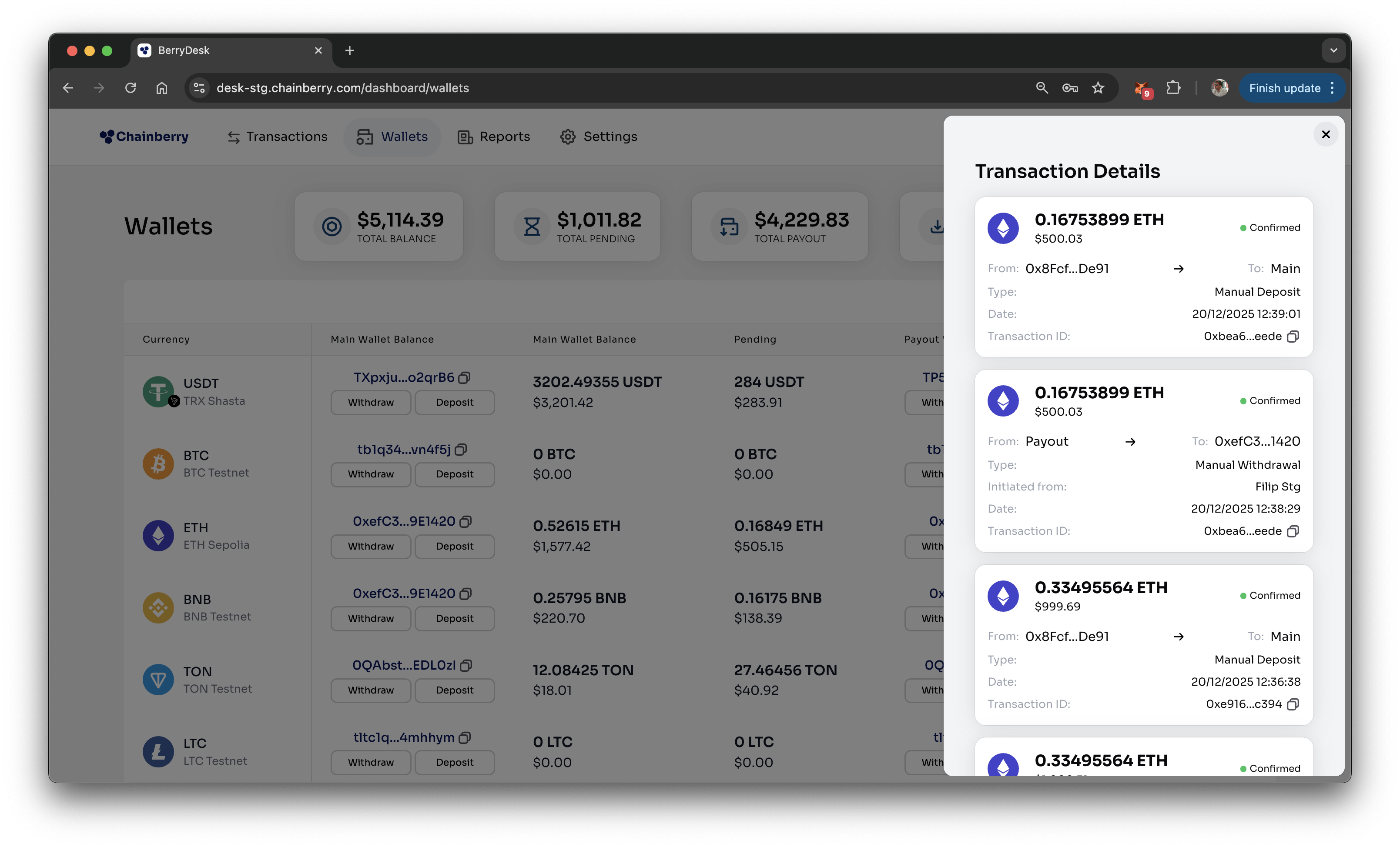
- View the transactions
Note that customer deposits, conversions and withdrawals are not shown here. You can find them on the Transactions page
How to download the Daily Reconciliation Report?
- Press the Daily Reconciliation Button
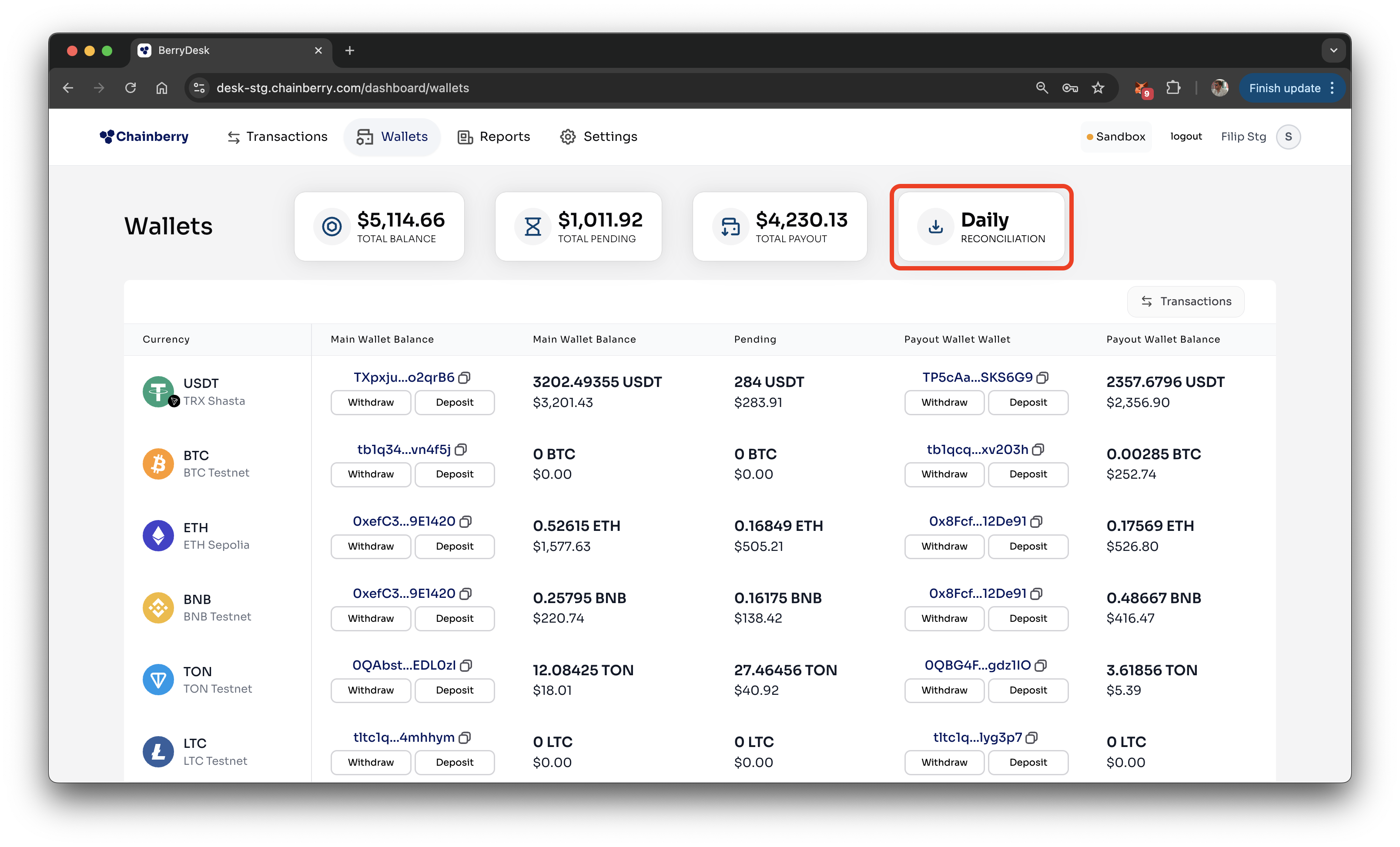
- Pick file format - csv or xlsx
- File is downloaded