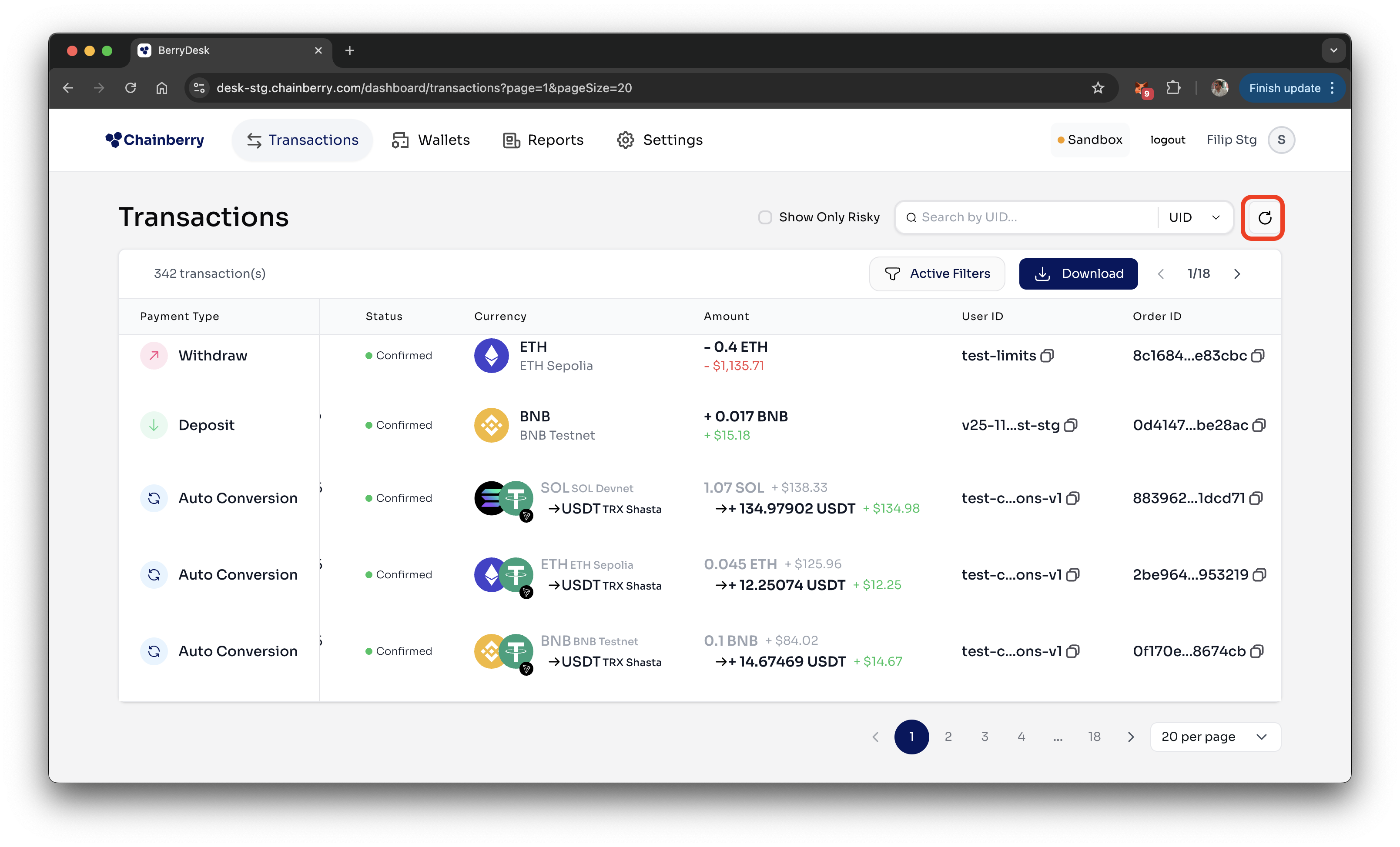
The Transactions page provides a complete overview of all incoming and outgoing customer-generated transactions. It displays key details for each payment, including KYT risk indicators, blockchain explorer links, and status updates.
Here you will find:
Transactions table
The table contains all critical information for each transaction. Clicking on a row opens a drawer with additional details.
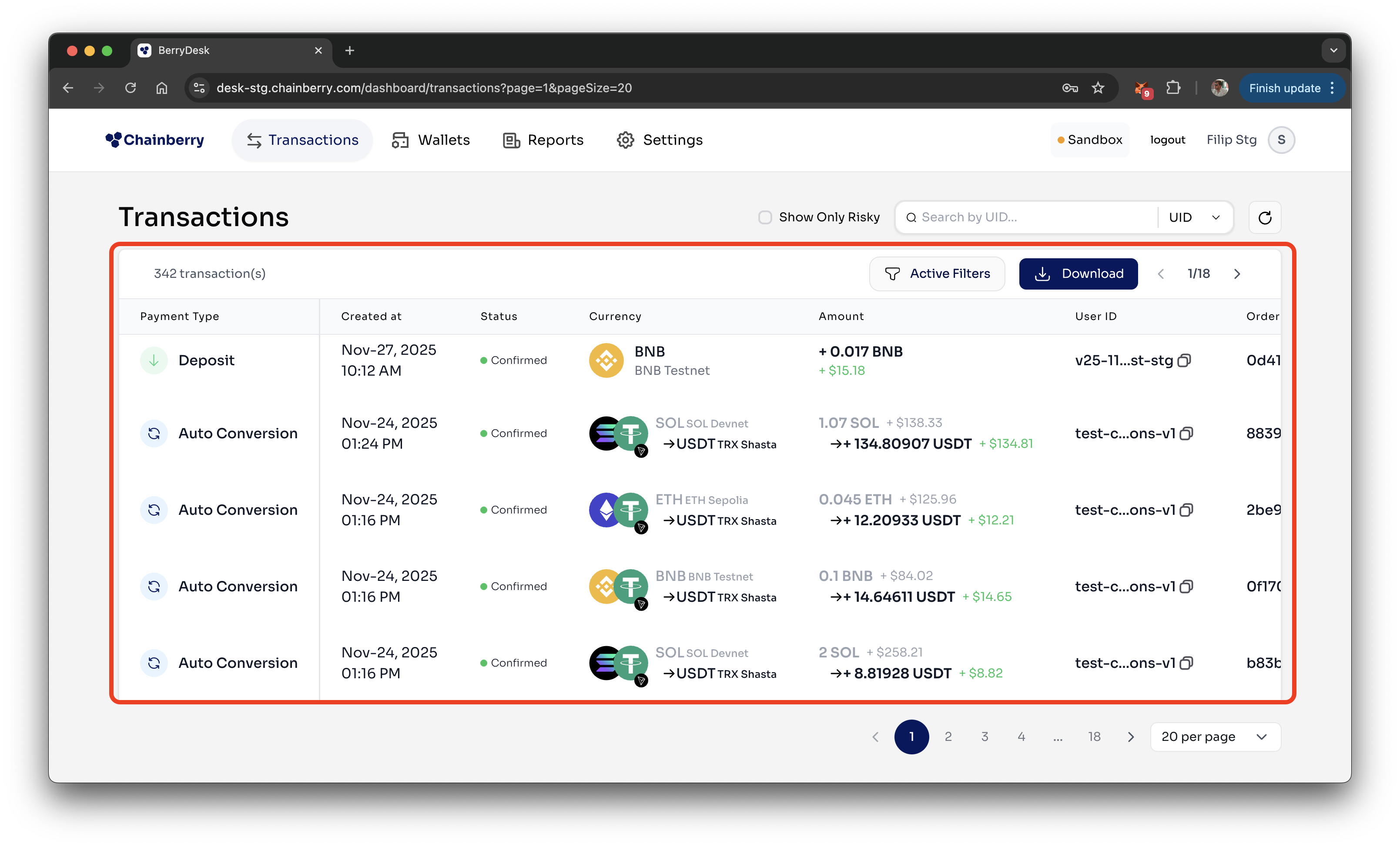
Columns:
Field | Description |
Type | Whether it's a deposit or withdrawal |
Created At | When the transaction was first created |
Status | Current state: created, processing, confirmed, or failed |
Currency | The type of crypto used (e.g. USDT, ETH) along with the network |
Amount | How much crypto was sent or received |
User ID | User id provided by the Partner |
Order ID | Unique ID for this transaction in the ChainBerry system |
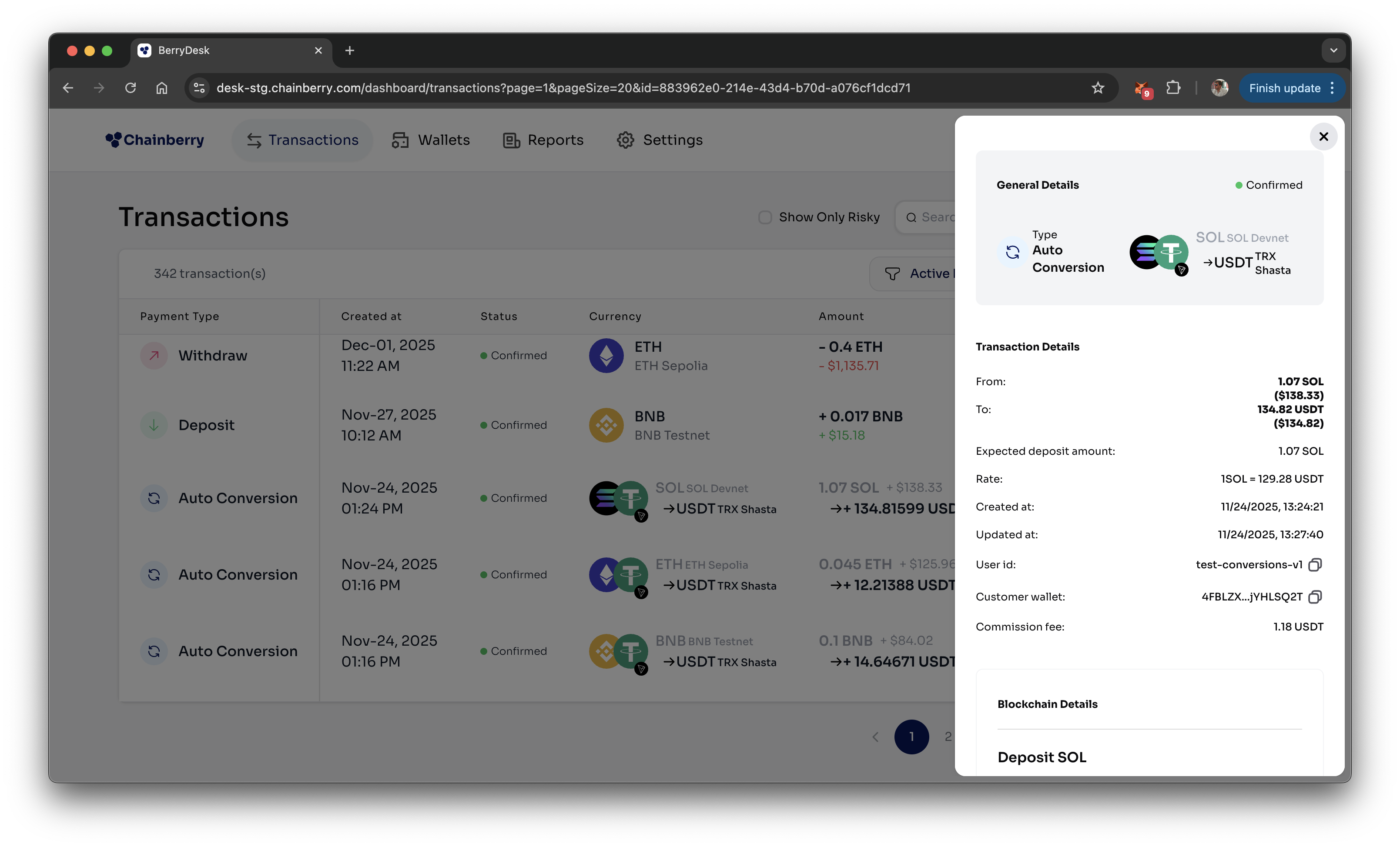
By clicking on a row in the table, a drawer will open with all the transaction details, like rates, wallets, transaction hashes, commission etc.
Transaction Filters
- Filtering by payment id, transaction hash or wallet address
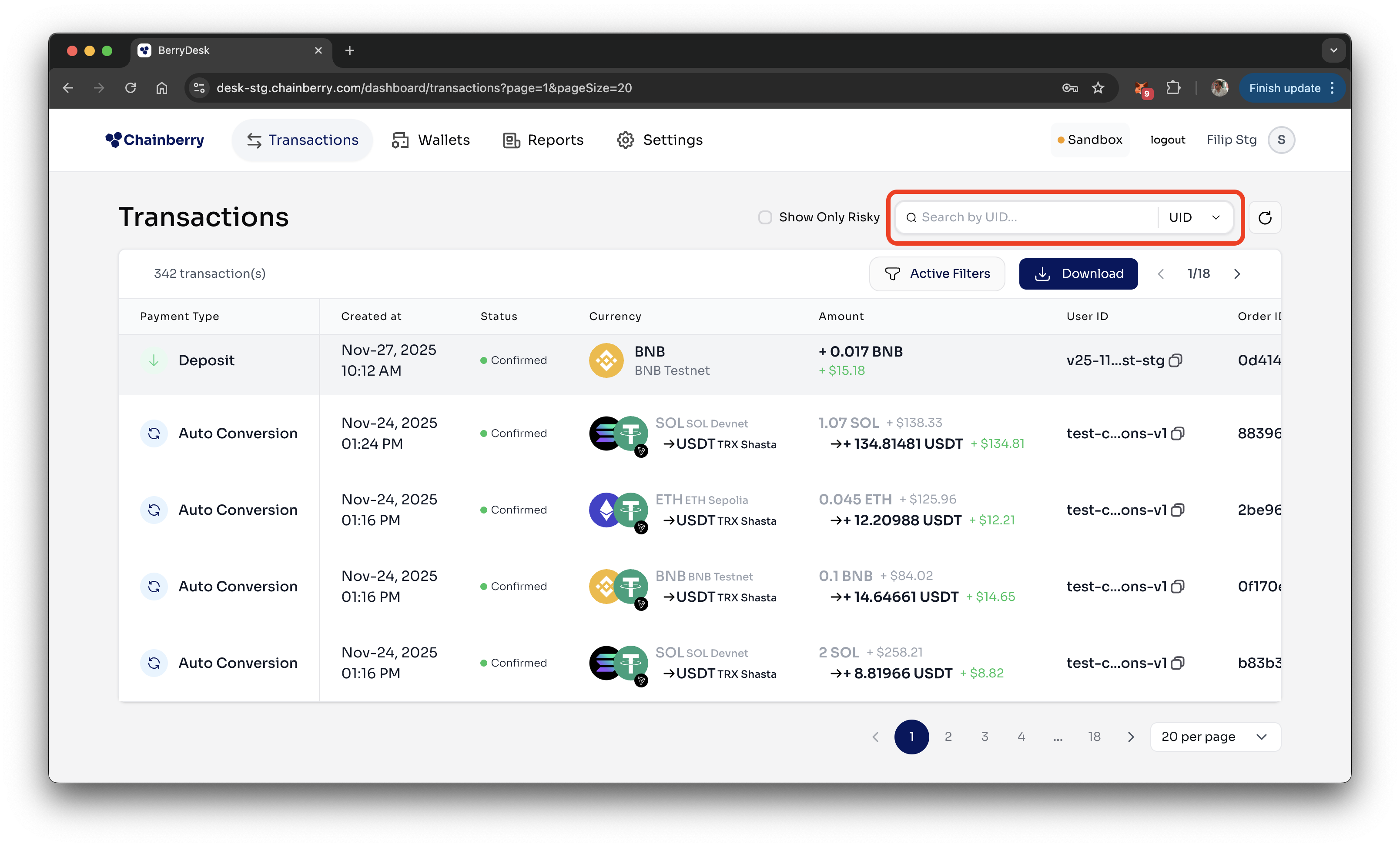
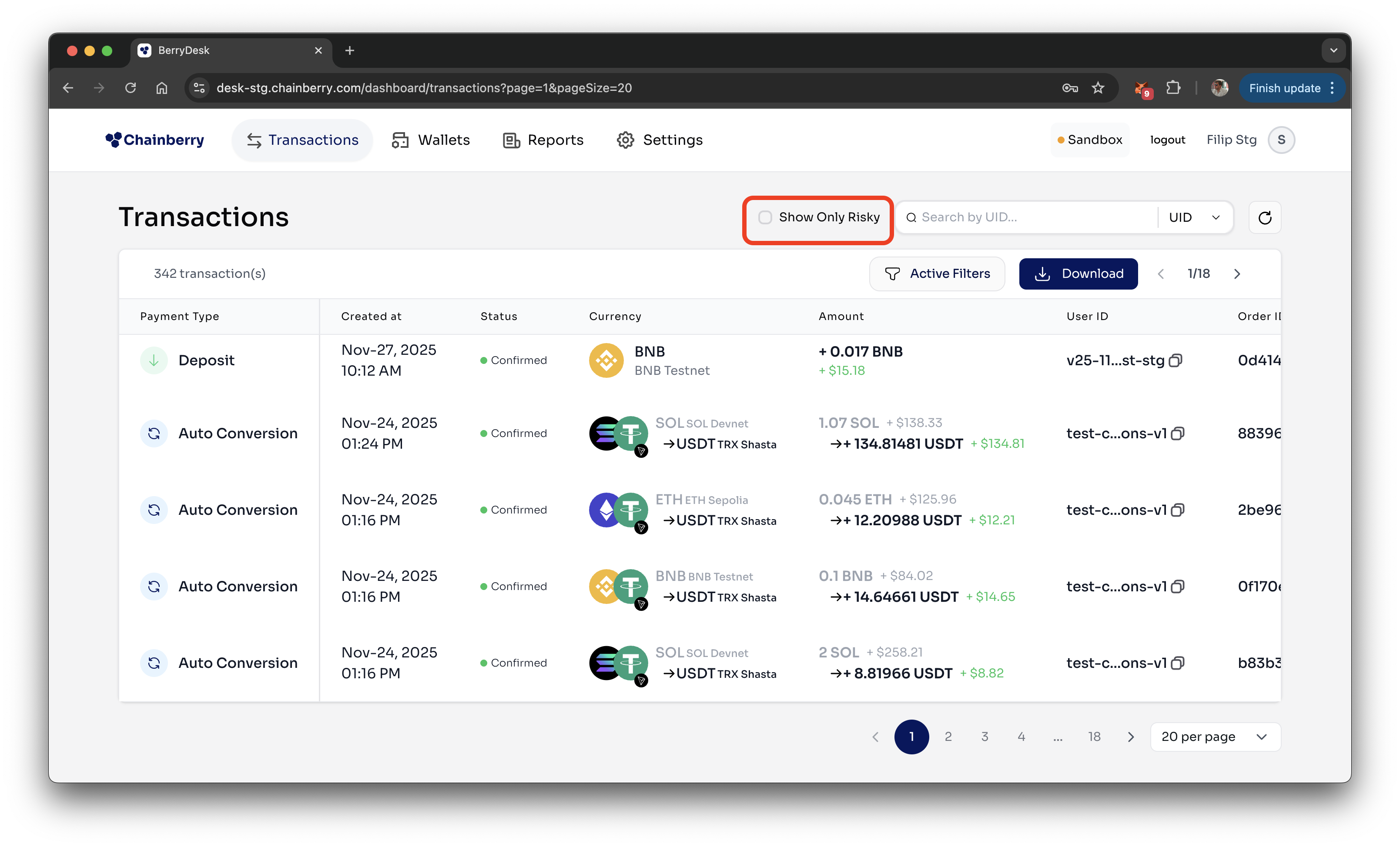
- Filtering only Risky Transactions
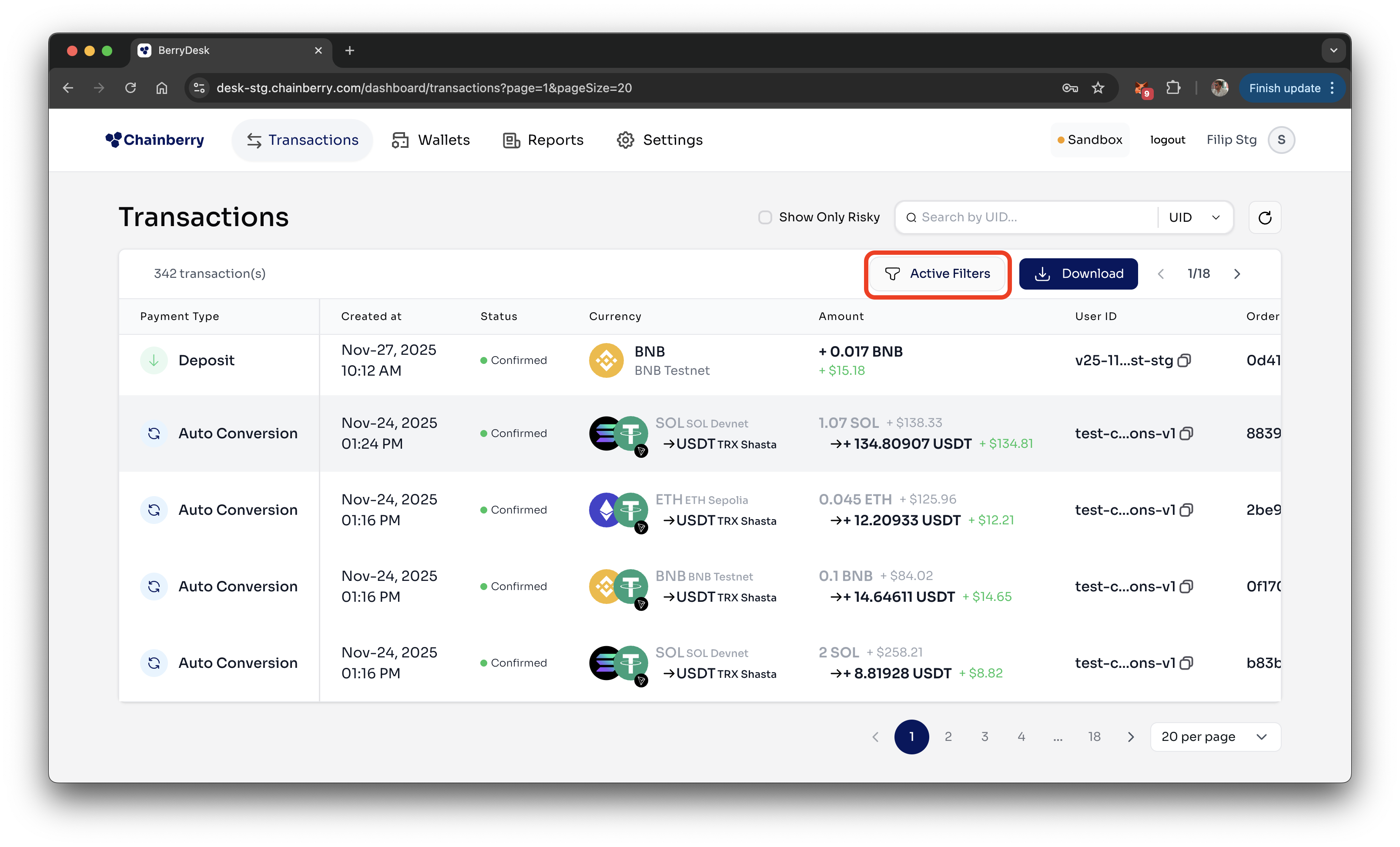
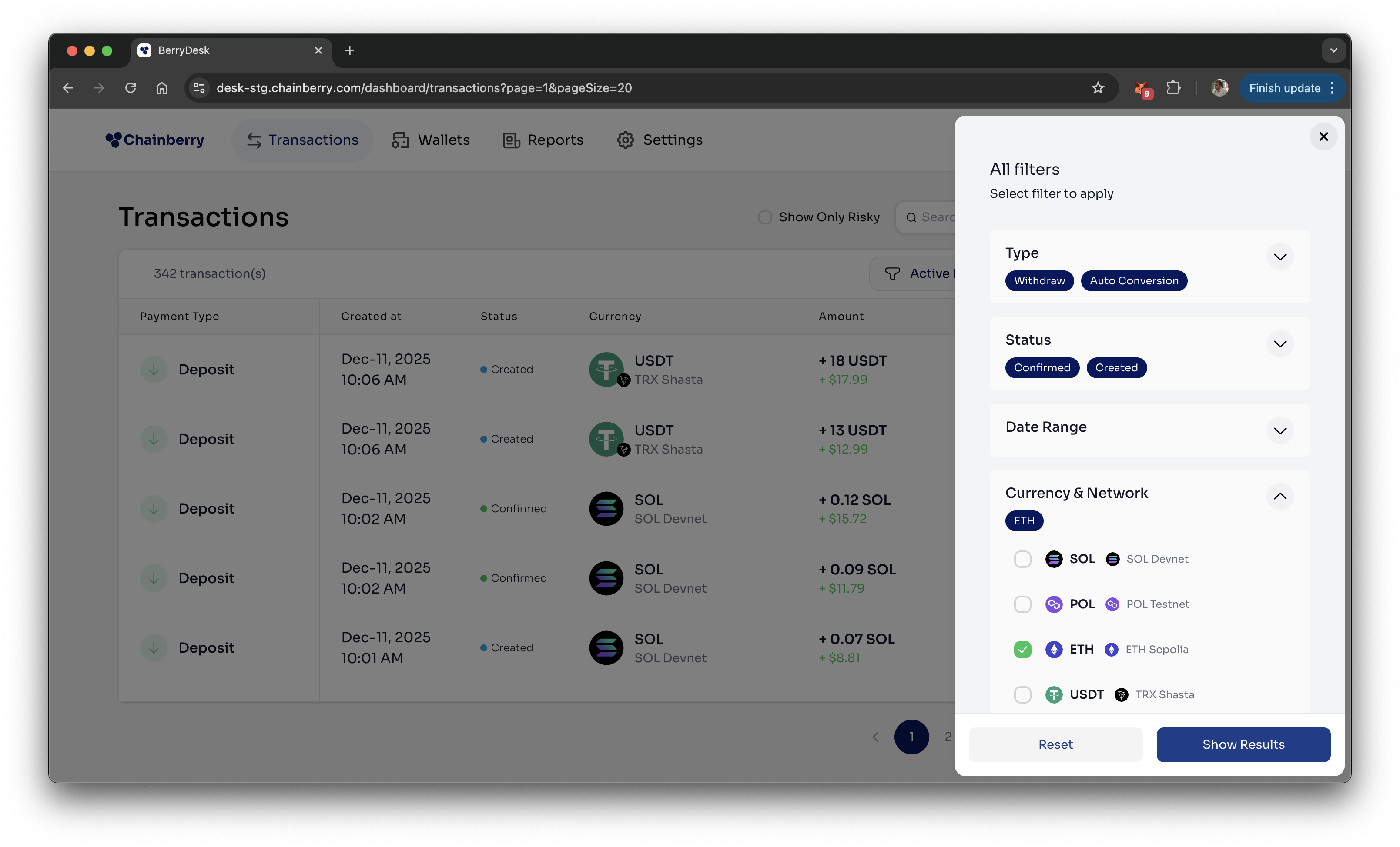
- Advanced filtering (by type, status, currency, date range)
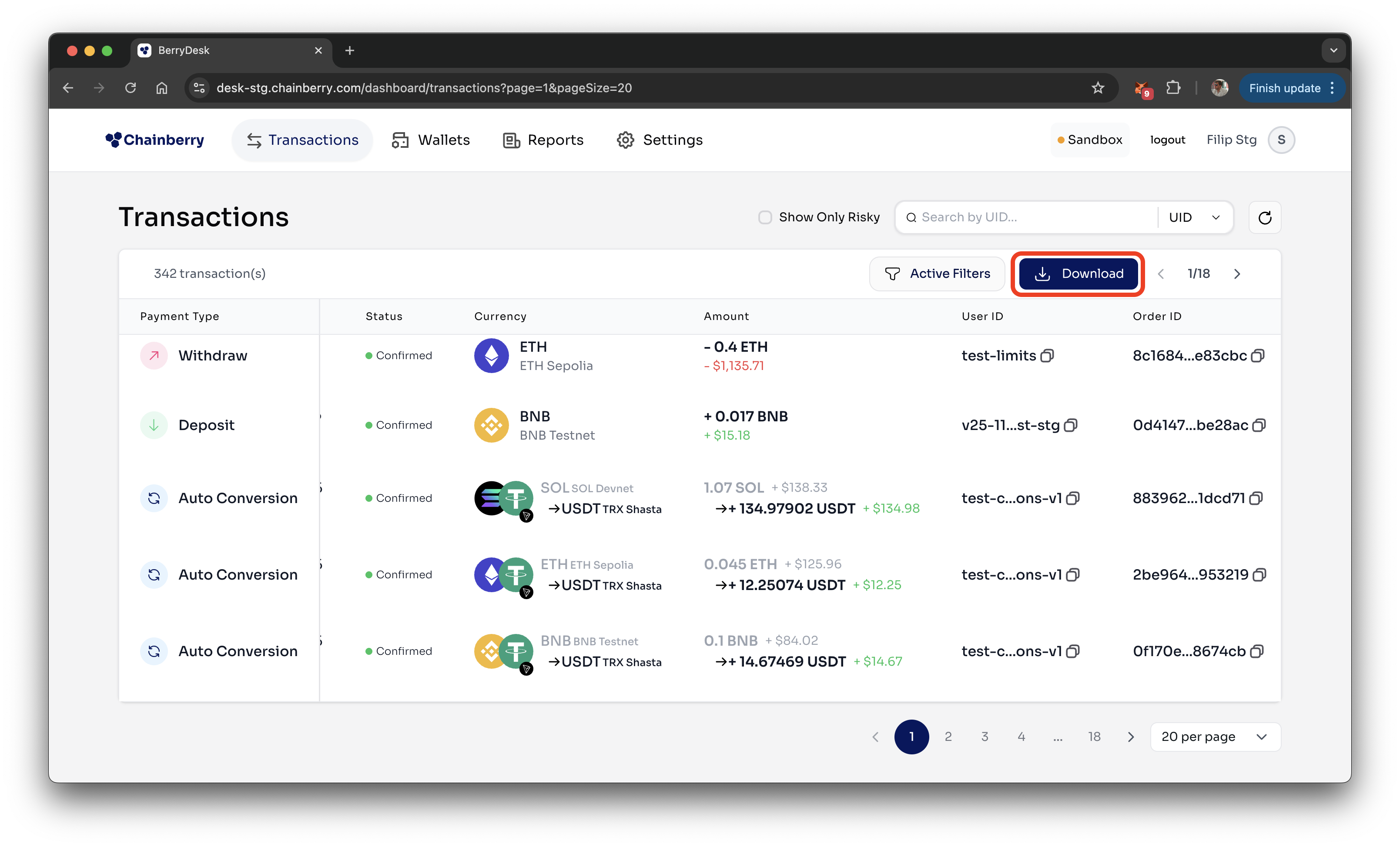
Export Transaction data
The Download button allows you to export the raw transaction data from the table for offline analysis or reporting. Two formats currently available - csv & xlsx.
Reload data
Clicking the reload button refreshes the table with the latest transaction data available in the current view.