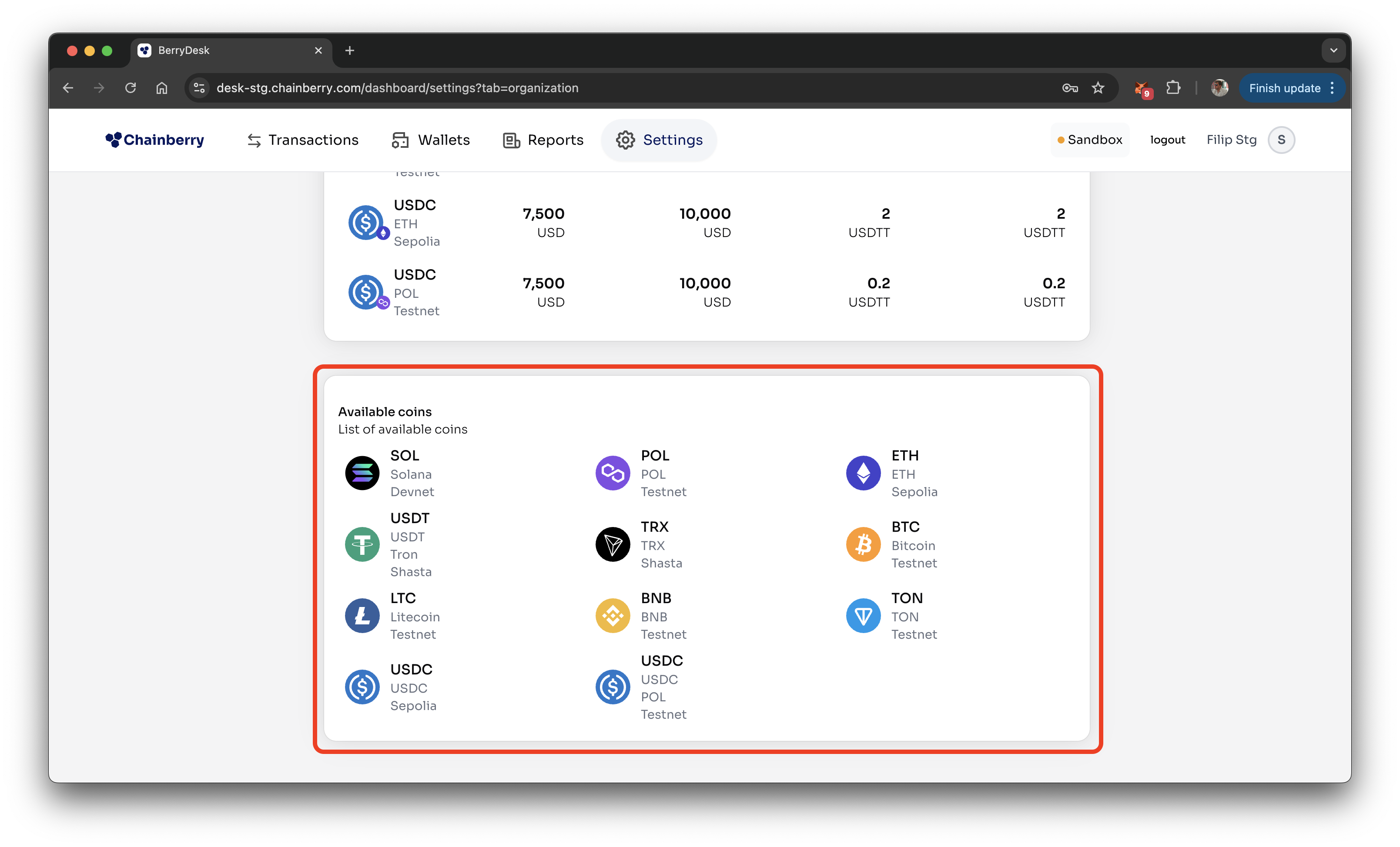
Organization Settings provides a read-only overview of your organization’s core payment configuration. This page lets you review global payment settings, per-asset rules such as payout wallet limits and commissions, and the list of enabled currencies—giving teams full visibility into how payments are configured across the organization. You can find this page under Settings → Organization.
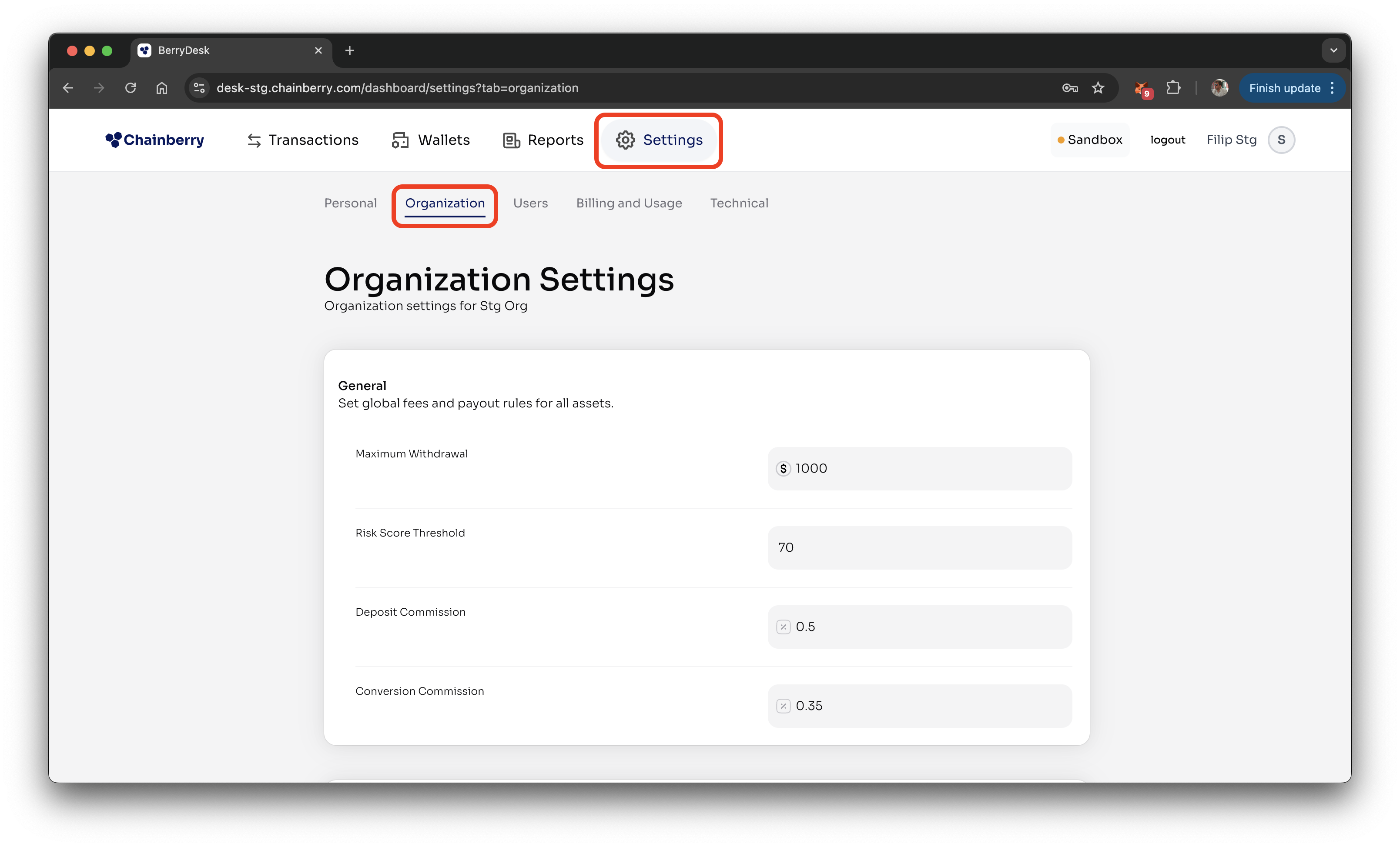
General Settings
General Settings define your organization’s global risk score threshold and default commission percentages for deposits and conversions.
Risk Score Threshold | Any transaction with a risk score above this value is automatically flagged for manual review. |
Deposit Commission | The commission charged, calculated as a percentage of the deposited amount. |
Conversion Commission | The commission charged, calculated as a percentage of the conversion amount. |
Per Asset settings
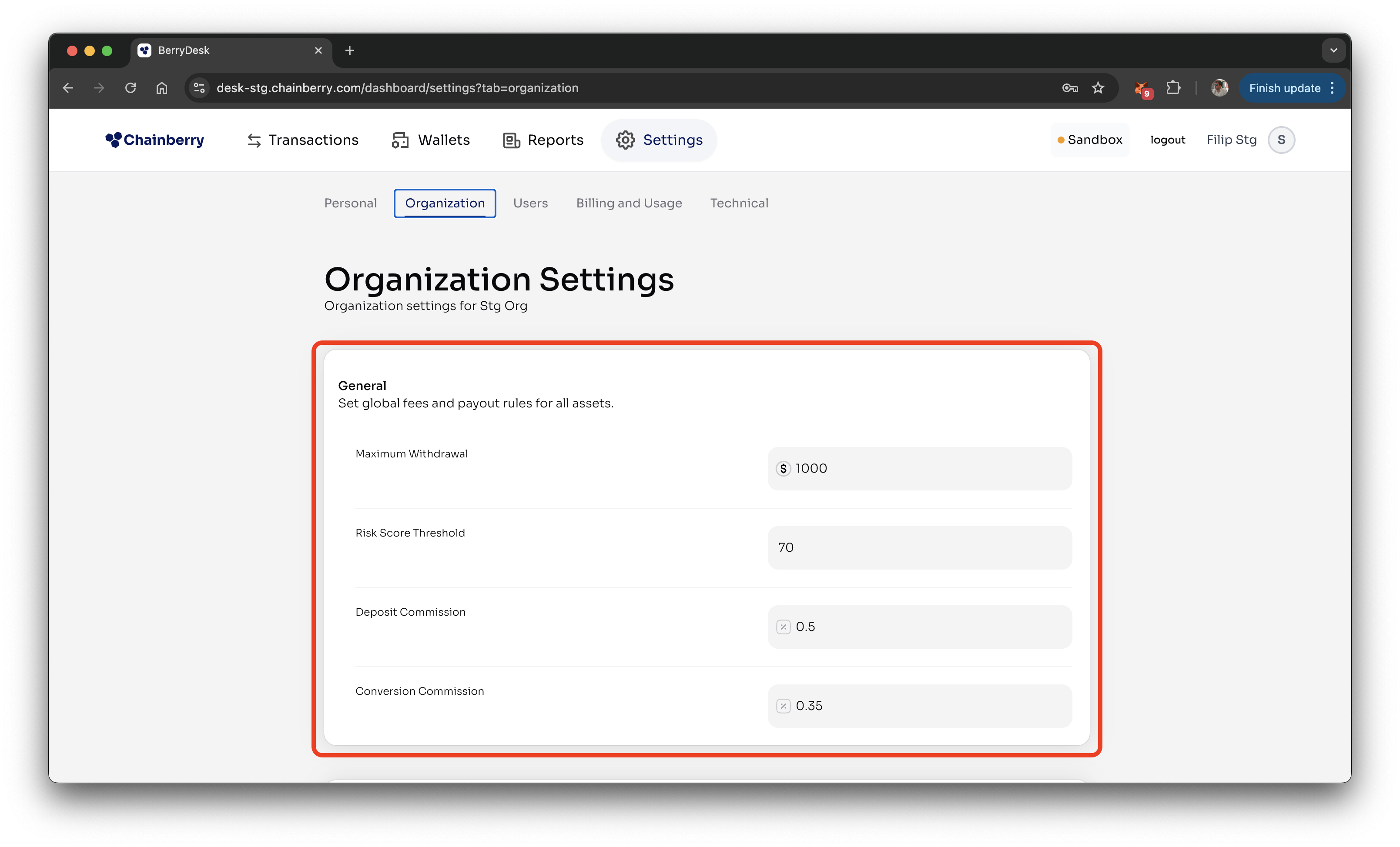
Per-Asset Settings allow you to review payout wallet limits and commission details individually for each supported currency.
Min Payout Wallet Balance | The minimum balance maintained in the payout wallet for this asset at all times. |
Max Payout Wallet Balance | The maximum allowed balance that can be held in the payout wallet for this asset. |
Min Deposit Commission | The minimum commission charged on deposits and conversions for this asset. |
Flat Withdrawal Commission | A fixed commission applied to every withdrawal of this asset. |
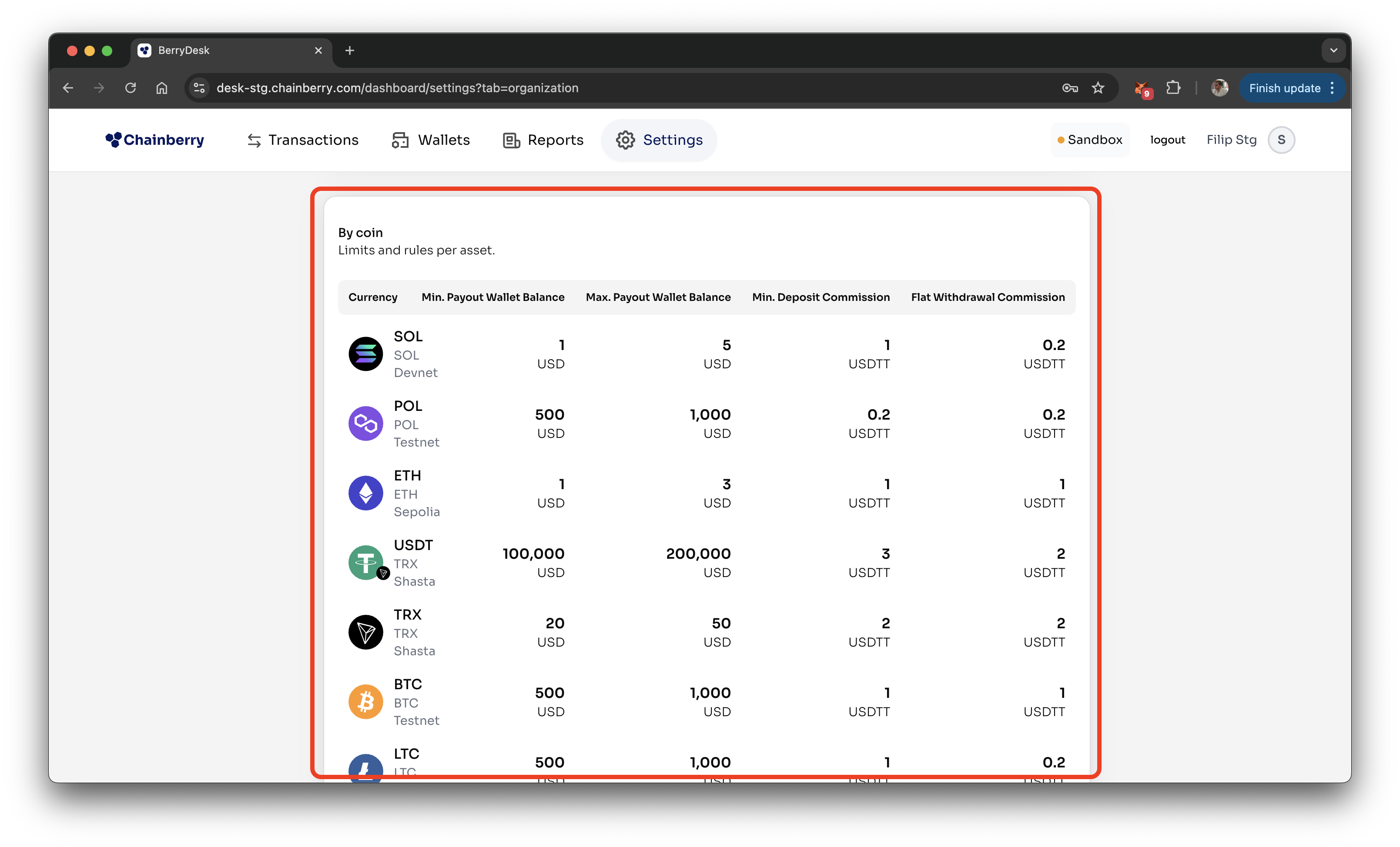
Available currencies
Available Currencies show which assets are enabled for the organization and can be used for deposits, withdrawals, and conversions.